Windows 11 September Update Brings AI Enhancements and Minor Tweaks
Key Points
- New Recall home page showcases recent activity and snapshots for Copilot+ PCs.
- AI Agent in Settings expanded to AMD and Intel‑based laptops.
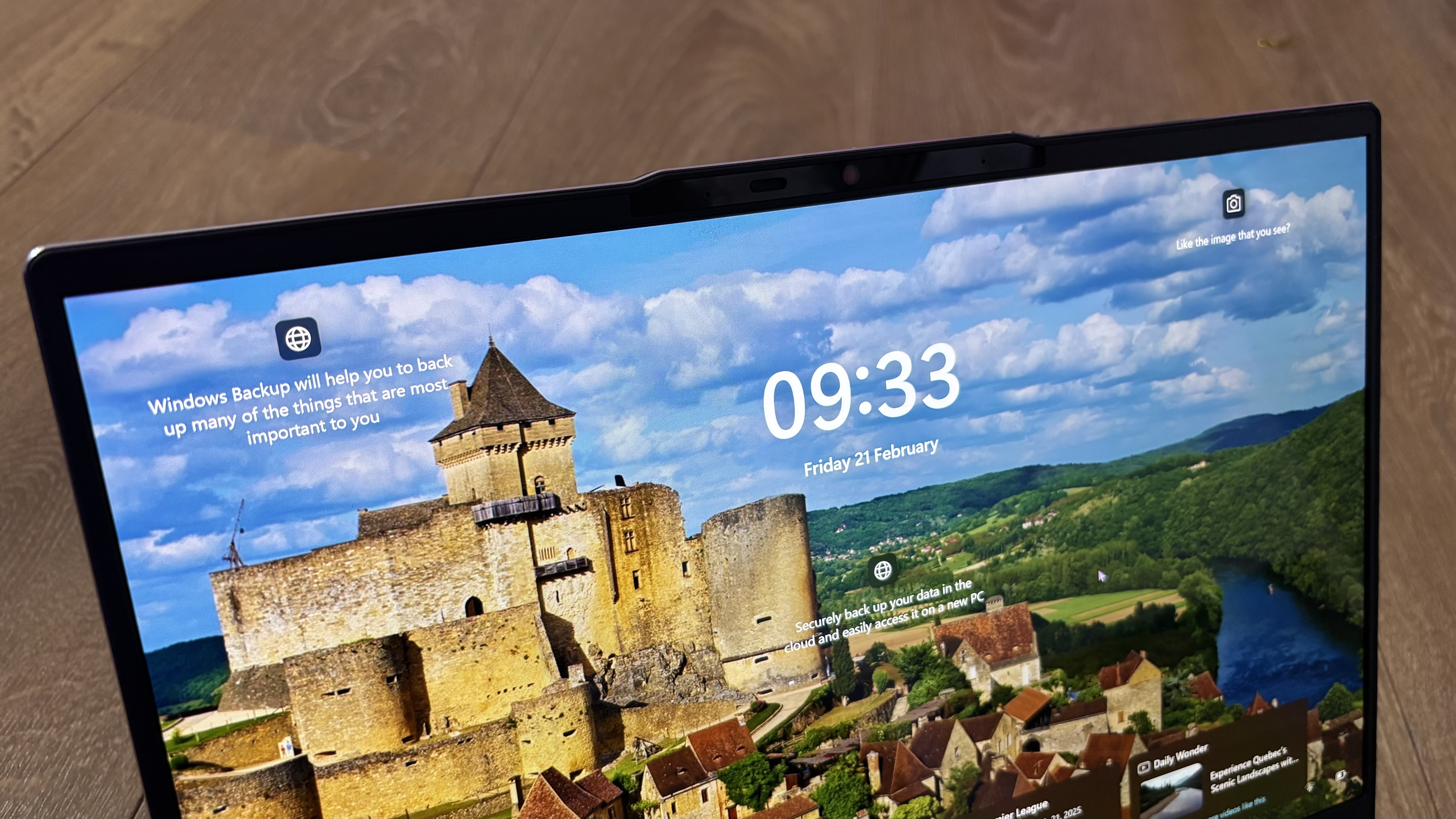
- Lock‑screen widgets now customizable per user preference.
- Search results display images in a grid and show indexing progress.
- Task Manager CPU usage reporting standardized across the board.
- Click‑to‑Do tutorial added and Windows Hello visual refresh applied.
- Larger clock option with seconds available in the notification center.
- Permission prompts dim background for clearer focus.
- Update size around 4 GB includes AI models even for non‑Copilot devices.
Microsoft’s September update for Windows 11 introduces a suite of new features, many of which are tied to the Copilot+ AI platform. Highlights include a new Recall homepage, expanded AI Agent in Settings, customizable lock‑screen widgets, improved search layout, and a corrected CPU usage display in Task Manager. Additional refinements address Click‑to‑Do tutorials, a refreshed Windows Hello design, larger clock options, and clearer permission prompts. The update’s size, roughly 4 GB, carries AI models even for devices without Copilot+, prompting concerns about download time and storage impact.
AI‑Powered New Features
The September patch for Windows 11, identified as KB5065426, rolls out a range of capabilities that lean heavily on Microsoft’s Copilot+ AI framework. Users with Copilot+‑enabled PCs now see a revamped Recall home page that surfaces recent activity and snapshots, making it easier to resume tasks. The AI Agent in Settings, previously limited to Snapdragon‑X devices, has been broadened to laptops with AMD and Intel processors, allowing natural‑language queries to locate settings and receive recommendation prompts.
Lock‑screen widget customization has also been introduced, giving users the ability to select which widgets appear, a feature that was previously all‑or‑nothing. Search results now present images in a grid view and include a progress indicator while indexing, improving visual navigation and transparency.
Usability Improvements
Several minor but notable adjustments enhance the day‑to‑day experience. Task Manager now reports processor usage consistently, eliminating previous discrepancies in CPU percentage displays. A tutorial for the Click‑to‑Do feature guides users through its functionality, while Windows Hello receives a modern visual refresh. Users can opt for a larger clock that includes seconds in the notification center, complementing the existing task‑bar clock. System permission dialogs have been made clearer by dimming the background when they appear.
Drawbacks and Concerns
Despite the breadth of additions, many of the headline features remain exclusive to Copilot+ devices, leaving standard Windows 11 PCs without access to the AI‑driven tools. Additionally, the update’s overall size—approximately 4 GB—includes AI models intended for Copilot+ hardware, meaning non‑Copilot users still must download the large package. This raises practical concerns about download bandwidth and storage, especially for devices with limited SSD capacity.
Overall, the September update delivers meaningful enhancements for users with AI‑enabled hardware while presenting trade‑offs for the broader Windows 11 audience.