NotebookLM Introduces Prompt-Based Slide Editing and PPTX Export
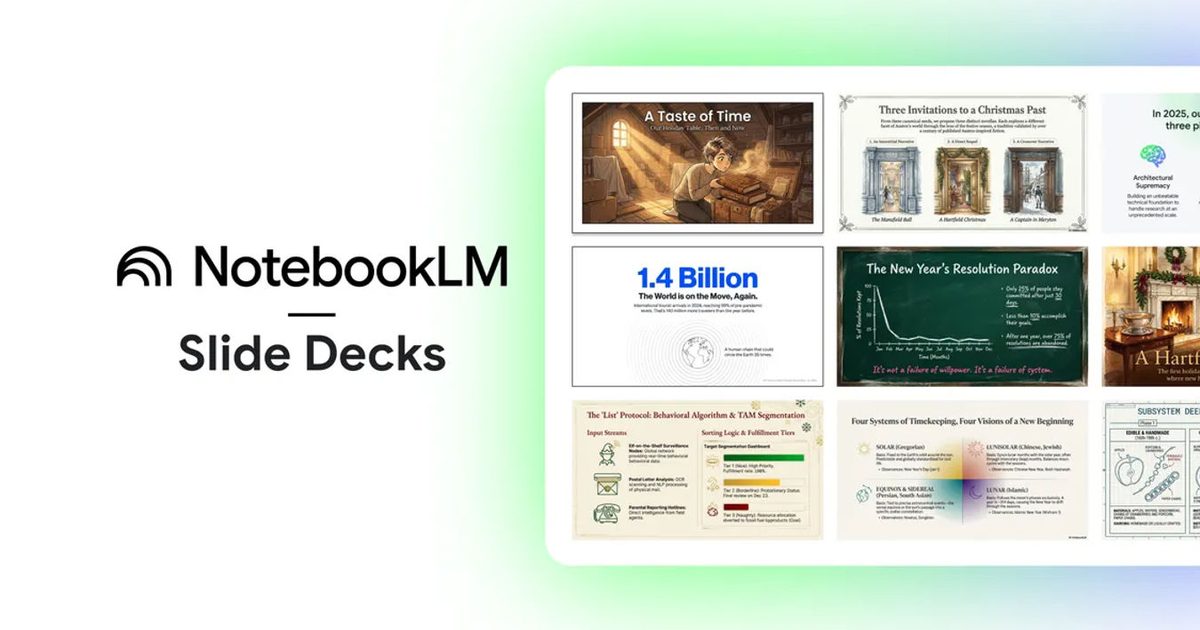
Key Points
- Prompt‑based revisions let users edit individual slides with natural‑language commands.
- Export decks as PPTX files for immediate compatibility with Microsoft Office.
- Future support for Google Slides export is hinted but not yet detailed.
- Extensive AI edits may affect layout consistency, requiring manual cleanup.
- Recommended workflow: draft in NotebookLM, revise with prompts, export to PowerPoint for final polish.
Google's NotebookLM tool now lets users revise individual slides with natural‑language prompts and export decks as PowerPoint‑ready PPTX files. The update aims to streamline the slide‑creation workflow by allowing targeted edits without regenerating whole decks, while also preparing for future Google Slides export support. Users are cautioned that extensive revisions may affect layout consistency, requiring manual cleanup.
New Capabilities for Slide Creation
NotebookLM is expanding its presentation features to address common bottlenecks in slide‑deck development. The latest update introduces prompt‑based revisions, enabling users to select a specific slide and describe the change they want. This approach lets users tighten language, reframe takeaways, or reorganize content on a slide‑by‑slide basis, eliminating the need to regenerate an entire deck when only one element needs adjustment.
PPTX Export for Seamless Handoff
In addition to the editing enhancements, NotebookLM now supports exporting slide decks as PPTX files. The PowerPoint‑ready format fits typical workplace workflows, allowing creators to move drafts into existing templates, share files with teammates who use Microsoft Office, or deliver presentations without requiring a new tool to open the file. The export option is positioned as a practical unlock for users who prefer to finalize decks in PowerPoint.
Future Google Slides Support
Google has hinted at forthcoming support for exporting decks directly to Google Slides, though timing and rollout details remain unspecified. The anticipation of Slides export suggests a continued effort to smooth the transition between NotebookLM and the broader suite of Google productivity tools.
Considerations for Consistency
While the prompt‑based revisions streamline iterative feedback, the source notes a trade‑off: extensive edits may cause layouts to drift, affecting title spacing, visual alignment, and overall design consistency. Users may need to spend additional time cleaning up any inconsistencies introduced by the AI‑driven changes.
Practical Workflow Recommendations
For regular deck creators, the recommendation is to use NotebookLM for outlining and initial construction, apply several rounds of targeted prompt revisions, and then export the PPTX for final polishing in PowerPoint. This workflow leverages the fast thinking and sequencing strengths of NotebookLM while relying on PowerPoint for speaker notes, branding rules, and final cleanup. If Google Slides export becomes available, teams favoring Slides‑first workflows could benefit from an even smoother handoff.