Google Expands Canvas in AI Mode to All U.S. Users
Key Points
- Google opens Canvas in AI Mode to every U.S. user using Search in English.
- Canvas helps with project planning, document drafting, and custom tool creation.
- Users can turn research notes into webpages, quizzes, or audio summaries.
- The feature can generate code for simple apps or games based on user descriptions.
- Powered by Gemini 3 with a large one‑million‑token context window.
- Accessed via the "+" Canvas option in AI Mode’s tool menu.
- Competes with similar tools from OpenAI and Anthropic, but offers direct user control.
- Aims to bring advanced AI assistance to a broader audience through Search.
Google has opened its Canvas in AI Mode feature to every user in the United States, allowing anyone using the search engine in English to access AI‑driven project planning, document drafting, and custom tool creation. The rollout follows a limited experiment in Google Labs and adds new capabilities such as turning research notes into webpages, quizzes, or audio summaries, as well as generating code for simple apps and games. The move leverages the Gemini model, including the latest Gemini 3 with a large context window, and aims to bring advanced AI assistance to a broader audience through the familiar Google Search interface.
Broadening Access to AI‑Powered Canvas
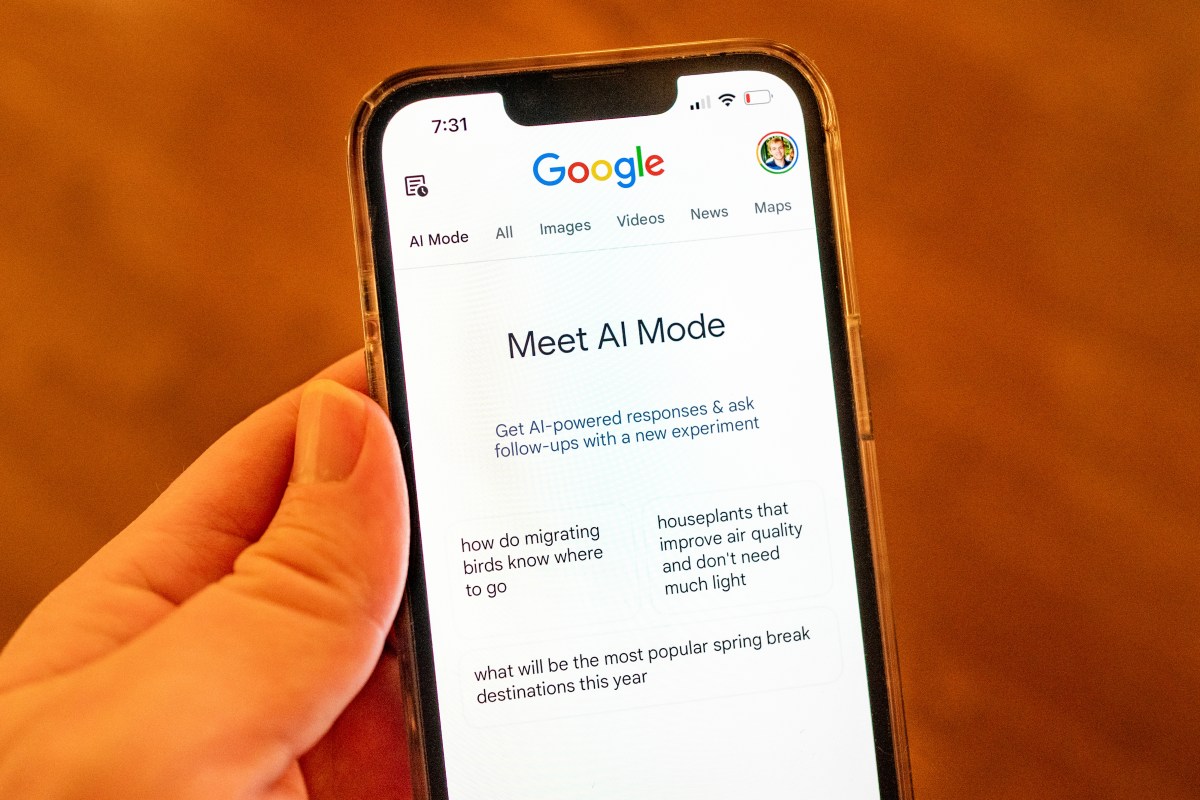
Google announced that its Canvas in AI Mode feature is now available to all users in the United States who are using the search engine in English. The feature, which was first tested as part of Google Labs experiments, is integrated directly into the AI Mode of Google Search, allowing users to tap into advanced generative AI tools without leaving the search environment.
What Canvas in AI Mode Can Do
Canvas in AI Mode is designed to help users organize and plan projects, conduct deeper research, and create a variety of content. Users can describe an idea and watch as the system generates the code needed to turn that idea into a shareable app or simple game. The tool also assists with drafting documents, refining creative writing drafts, and producing custom tools within the search experience.
Specific use cases highlighted by Google include building a study guide by uploading class notes and other sources, converting a research report into a web page, a quiz, or an audio overview, and creating custom utilities that integrate information from the web and Google’s Knowledge Graph. These capabilities overlap with Google’s research tool Notebook LM, offering a familiar yet expanded set of functions.
Integration with Gemini Models
The Canvas experience runs on Google’s Gemini family of models. Users who subscribe to Google AI Pro or Google AI Ultra already have access to the latest Gemini 3 model, which provides a larger context window—up to one million tokens—enabling more complex projects and deeper interactions. By making Canvas available through AI Mode, Google aims to expose these advanced capabilities to a far larger audience, leveraging the massive reach of its search platform.
How to Use Canvas
To start a Canvas session, users select the Canvas option from the tool menu (the "+" icon) while in AI Mode. This opens a side panel where users can pull together information from the web, the Knowledge Graph, and their own uploads. For developers or hobbyists, the interface allows testing of prototype functionality, viewing underlying code, and refining the app through a conversational chat with Gemini.
Competitive Landscape
Canvas competes with similar offerings from rivals such as OpenAI and Anthropic. While OpenAI’s Canvas feature is triggered automatically based on the user’s query, Google’s approach requires a more direct interaction, giving users explicit control over the creation process. Anthropic’s Claude also provides comparable assistance, but Google’s integration with Search gives it a distinct advantage in terms of user reach.
Implications for Users
By extending Canvas to all U.S. users, Google is positioning its AI capabilities as a mainstream productivity aid. Whether for students building study materials, professionals drafting reports, or creators experimenting with simple apps, the feature promises to streamline workflows and lower the barrier to using generative AI for everyday tasks.